
Turn a release list into a useful decision.
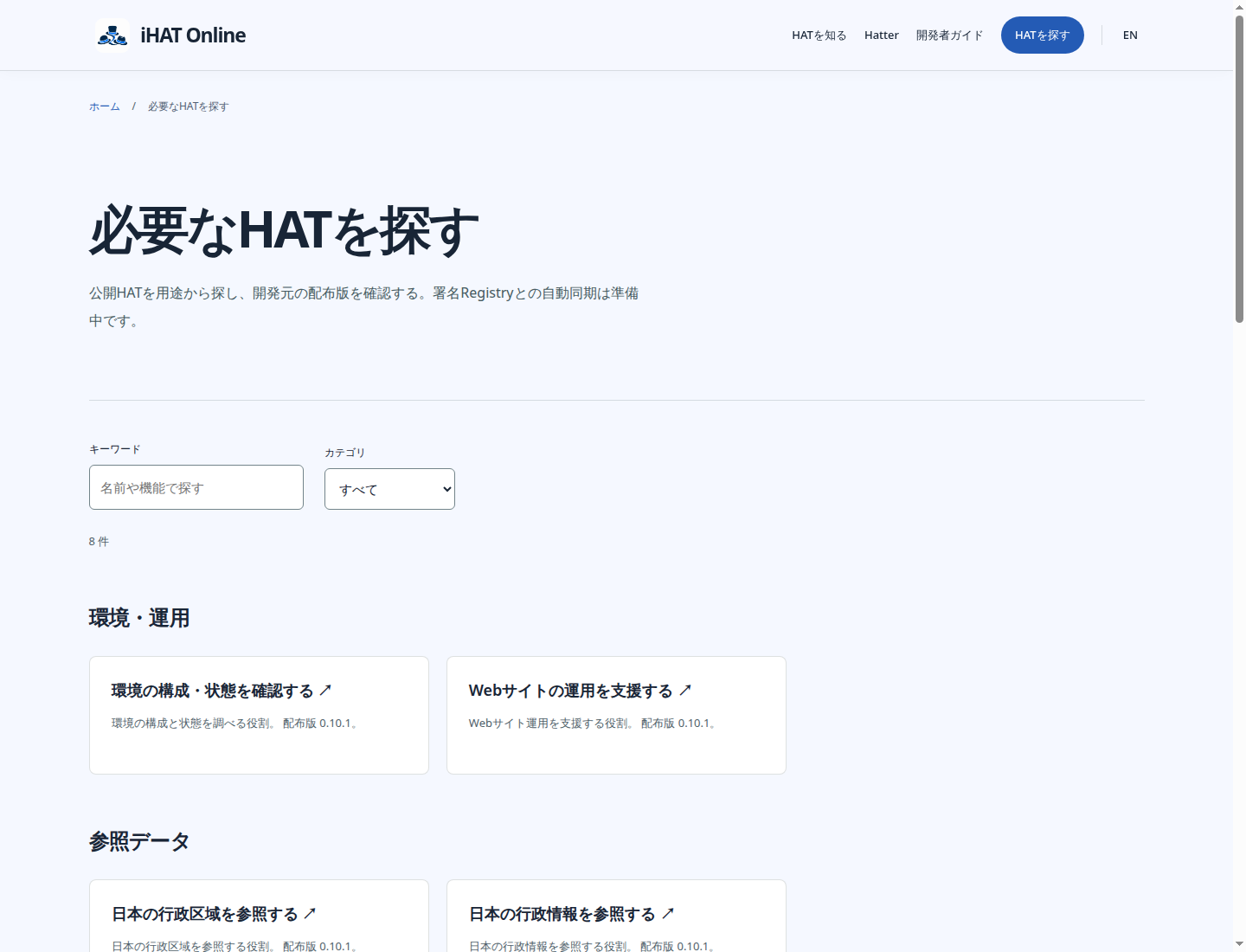
Finding a HAT starts with what it does. Search, purpose filters and version-specific exits make a catalog usable without hiding the release identity.
Follow the architecture
- Release metadata
- Purpose categories
- Local filtering
- Versioned download
The interaction
Eight public HAT releases are grouped by purpose. Search and category filtering run in the browser over the published catalog, including an honest empty-result state.
The boundary
The directory presents release information; it does not execute HATs, install software or grant trust. Each download remains attached to its owning repository and immutable version.
Trade-off
A static catalog gives predictable browsing and explicit download choices. Automatic signed synchronization is a separate Registry responsibility, rather than something the page silently claims to perform.
Verification
The live catalog was checked for narrowing search results, category selection and empty results. English and Japanese views retain the same eight versioned release destinations.
Explore the implementation
Move between the interface and the code to inspect the design.